
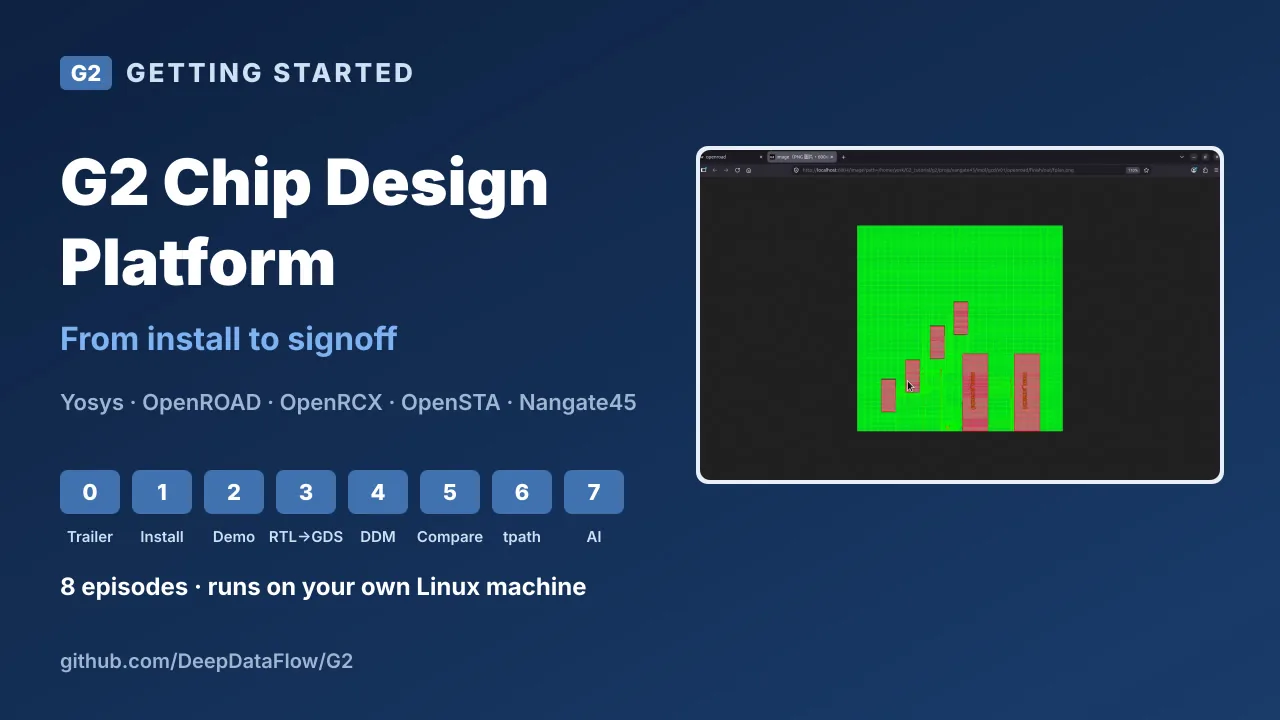
G2 is a chip design platform that runs on your own Linux machine. Projects, blocks, libraries, signoff scenarios and design data all live in one web page, and every tool run reports its key numbers as soon as it finishes. This series is the fastest way in: in about 27 minutes it goes from download to a routed block with signoff timing, using only the open-source tools that ship with G2.
This article is the written companion to the 8 videos. Each section has the episode, what it shows and the commands and numbers you need to follow along. Everything runs on the free G2 Community Edition.
| Platform | G2 v1.0.0 Community Edition, a browser-based workspace on Linux |
| Tools | Yosys, OpenROAD, OpenRCX and OpenSTA (Verilator, Magic and Netgen are also bundled) |
| PDKs | Nangate45, SkyWater 130 and ASAP7, with ready-to-run demo cases |
| Design | gcd on Nangate45 in every episode |
| Result | v01 misses 1 GHz by 1.95 ns at signoff; v02 fixes the constraint and misses by 9 ps |
Trailer
G2 in one minute
 1:13
1:13Watch on YouTube ↗Watch on Bilibili ↗
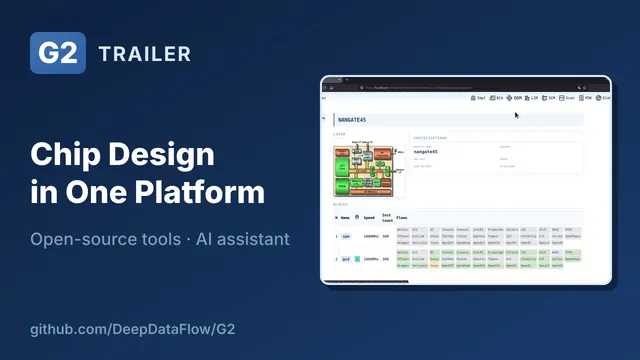
Everything lives in one web page: the project, its blocks, libraries, scenarios and design data. The trailer shows a real block, gcd, taken from RTL through place and route to signoff timing, with every stage and every result in one table. Each tool run shows its key numbers right away: timing, density and runtime, so you don't need to grep log files. When timing fails, you can open any path and see where the delay comes from.
Behind the scenes, G2 versions every piece of design data, so you always know which netlist produced which result. And an AI assistant that knows G2's procedures can run the flows for you. All of it comes in one download, with OpenROAD, Yosys, OpenSTA, the PDKs and demos included.
Part 1: Set up
#1Install and launch
 3:07
3:07Watch on YouTube ↗Watch on Bilibili ↗
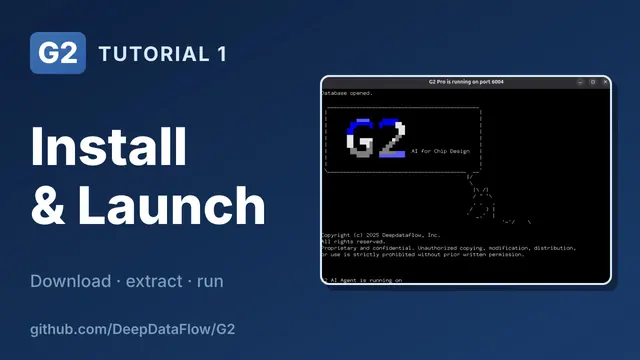
G2 Community Edition is on GitHub, and everything is in one release package. The G2 platform runs on Ubuntu 22.04 or later and on Rocky or RHEL 8 and later. The bundled OpenROAD, Yosys and Verilator need glibc 2.35 or later, which means Ubuntu 22.04 or later.
G2 needs a few standard Linux tools. On Ubuntu one line installs them, and it is the only step that needs sudo:
sudo apt-get install -y xterm tcsh vim-gtk3 firefox tcl coreutils gzipThen download the release package (about 530 MB) and extract it. G2 has no installer and doesn't need root access. Inside you'll find G2 itself, a bundled Node.js runtime and a pdk folder with Nangate45, sky130 and ASAP7. The open-source EDA tools are in g2/free.
wget https://github.com/DeepDataFlow/G2/releases/download/v1.0.0/G2_v1.0.0.tar.gz
tar zxvf G2_v1.0.0.tar.gz
mkdir g2
cd g2
../G2_v1.0.0/g2/bin/g2init
source g2.rc
g2
The workspace is where projects and data live. g2init picks a free port, creates the workspace folders and writes g2.rc, which sets up the environment and puts G2 and every bundled tool on your path. g2 starts the server in its own window. The server prints a login URL with a token: copy the whole URL, token included, into Firefox.
The home page lists your projects. Create one, and its project page has a tab for each part of G2:
| Tab | What it holds |
|---|---|
| Impl | Implementation: where tool runs happen |
| Spec | Project settings |
| Blk | Each block's targets, such as speed and area |
| Scen | Signoff scenarios: modes and PVT corners |
| LIM | The library manager |
| DDM | The design data manager, which versions your design data |
| SCM | Scripts |
Next time it's three commands: cd into your workspace, source g2.rc and g2.
#2A demo project in one command
 3:55
3:55Watch on YouTube ↗Watch on Bilibili ↗
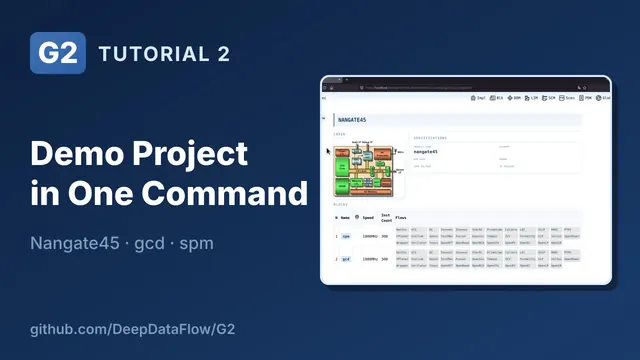
G2 ships demo cases for all three PDKs, and the series uses Nangate45. build.sh is a short list of steps: it creates a project, defines signoff scenarios, points at the PDK, installs libraries and creates two blocks, gcd and spm. You could do each step by hand in the UI; the script just saves time.
$G2_ROOT/demo_case/nangate45/build.sh # also sky130/ and asap7/The new project shows what each tab holds:
- Spec has the project-wide settings: the tech LEF, the RC files and the corner used for synthesis.
- Scen has two modes, functional and shift, each with four PVT corners: slow at 125 °C and at −40 °C, fast and typical. Every timing run later uses them.
- LIM has the Nangate45 standard cells installed as version
v1. G2 parsed every liberty file, so you can browse cells, areas and pin functions. Memory macros are managed the same way. - Blk has each block's targets.
gcdhas a 1 GHz clock and a 600 × 600 µm footprint. Each block also names the libraries it uses, by name and version, so every flow knows which libraries to load. - DDM already holds the RTL for
gcd.
Part 2: RTL to signoff
#3RTL to GDS with Yosys, OpenROAD and OpenSTA
 6:16
6:16Watch on YouTube ↗Watch on Bilibili ↗
Every implementation attempt in G2 is a version. A version starts as an empty folder, and flows are checked out into it one at a time. This episode creates v01 for gcd.
Synthesis comes first, and it teaches the most important thing in the series: every G2 flow has the same views, in the same order.
| View | What it does |
|---|---|
| Script | Pulls the run script |
| LIM | Picks the libraries |
| DDM | Links the input data |
| Exec | Runs the tool: Gen writes the run scripts, Run launches it |
| QA | A checklist |
| Chkin | Publishes the results to DDM |
Once you know them for Yosys, you know them for OpenROAD, OpenSTA and every other flow. The DDM view shows exactly which input data the run uses: here RTL version v2 and the synthesis SDC. After the run, QoR parses the log and reports into cards for cell count, registers and errors, so you don't need to read the log to know it worked. Check-in publishes the netlist to DDM as syn v01. That is the hand-off: the next flow picks up the netlist from DDM, not from this folder.
OpenROAD has the same views, and its flow is split into eight tasks: init, floorplan, placement, clock tree synthesis, post-CTS, routing, post-route and finish. Each task is its own sub-page with its own logs. Gen all, Run all, and every task reports its status and QoR: runtime, errors, timing for each scenario and density.
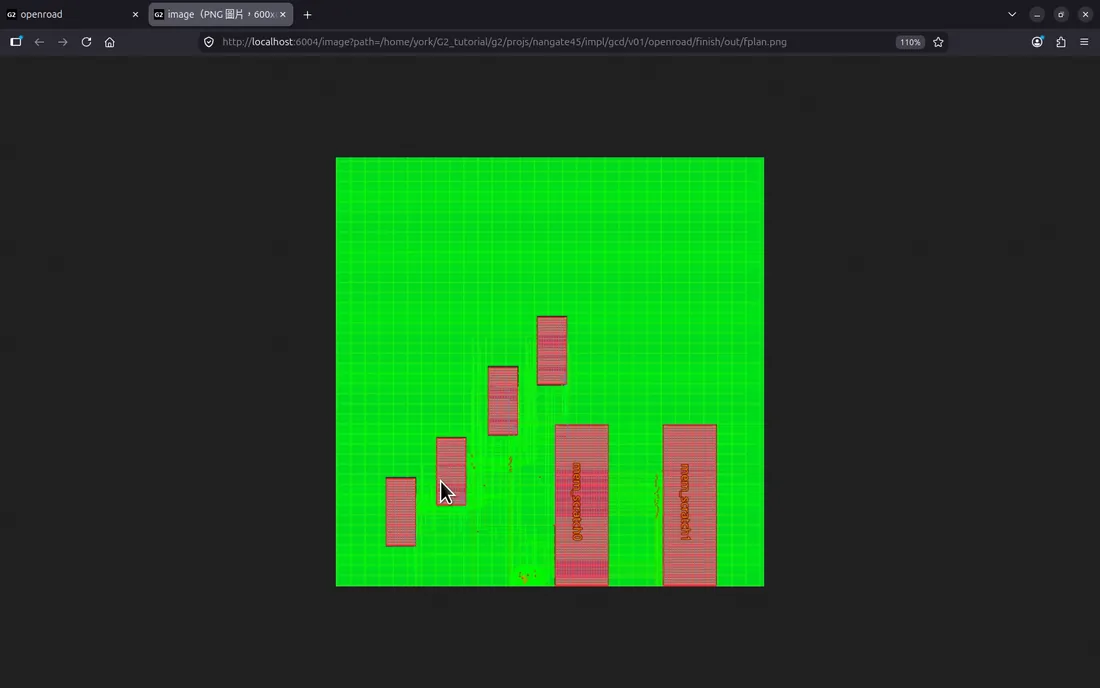
Then signoff. OpenRCX extracts parasitics from the routed layout and checks the SPEF into DDM. OpenSTA's Gen all creates one run for each scenario from the Scen tab: two modes times four corners, with the worst slack for each at a glance.
And signoff catches something. At the slow corners, setup fails by almost 2 ns (−1.95 ns). The block spec says 1 GHz, but the place-and-route constraints used a 4 ns clock. This is what signoff is for, and episode 5 fixes it.
Everything clicked in this episode is also scriptable, which is handy for regression runs or nightly builds:
$G2_ROOT/demo_case/nangate45/gcd_rtl2gds.sh#4Design data management (DDM)
 2:26
2:26Watch on YouTube ↗Watch on Bilibili ↗
In G2, flows never read each other's folders. Every flow takes its inputs from DDM, the design data manager, and publishes its outputs back to DDM.
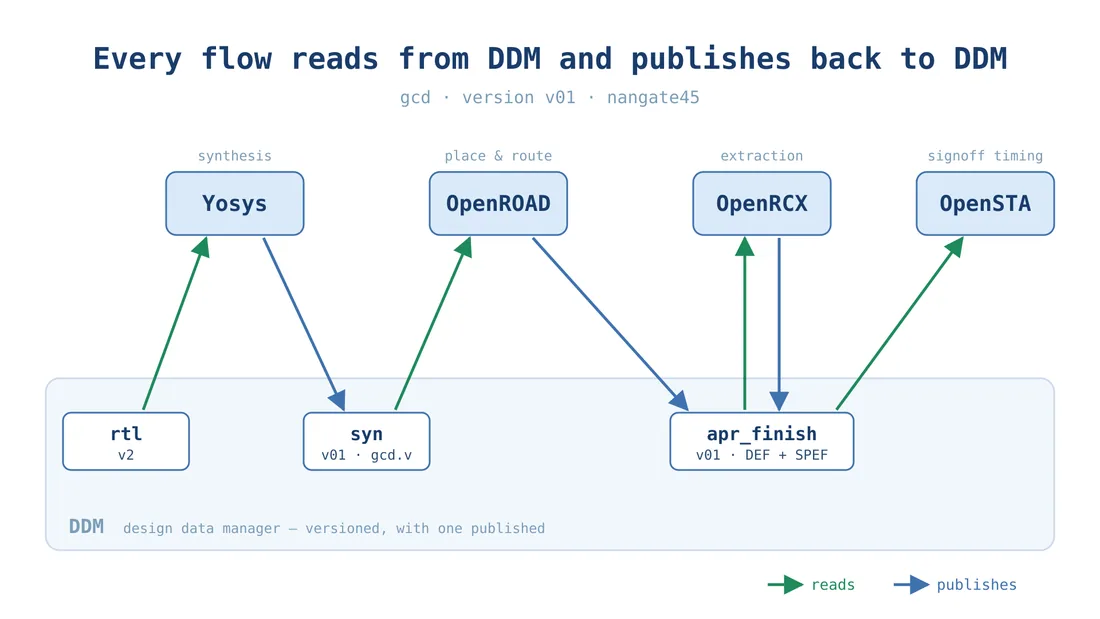
The DDM tab shows every block and data type in the project. For gcd that's the RTL, the synthesis netlist, an SDC for each mode and a snapshot after each place-and-route stage. Each data type can hold many versions, and one of them is published: that's the default downstream flows pick up.
Each version remembers where it came from. The netlist syn v01 was produced by the Yosys run in impl/gcd/v01, and one click takes you back to that run with its logs and QoR. On the consumer side, each flow and task has a DDM view: OpenROAD's init task reads syn v01 and the place-and-route constraints. To try different constraints, change the version there and re-run; you don't need to copy files.
Under the hood it's plain folders and symlinks. There is no database to maintain, and you can inspect everything from the shell. For any result you can answer two questions: which data made this, and which run made that data.
Part 3: Compare and debug
#5Compare implementation runs
 4:15
4:15Watch on YouTube ↗Watch on Bilibili ↗
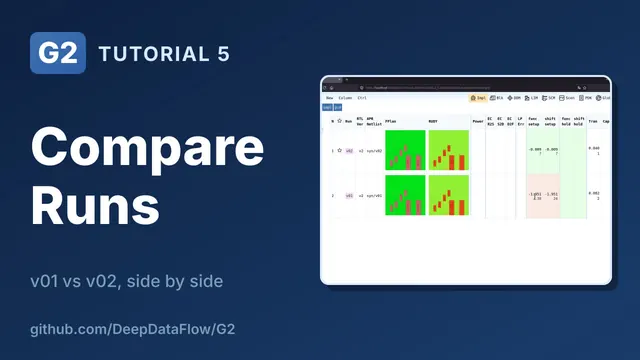
The experiment is one change. v02 gets a new place-and-route constraint in DDM, sdc_apr_func v02, with a 1 ns clock to match the spec. Every version is independent, so v01 is untouched. The flows run as before, and OpenROAD's init task now reads sdc_apr_func v02. One detail matters: check out OpenRCX and OpenSTA only after their inputs exist, so they bind to v02's layout.
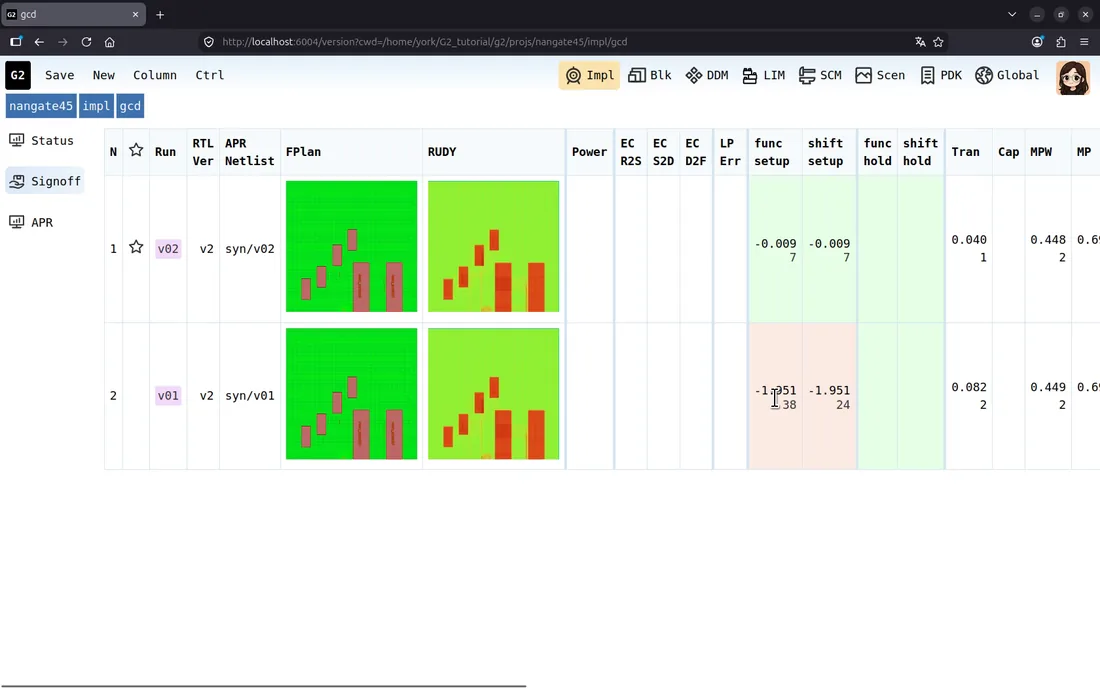
At the block level the Status view puts both versions side by side. The stage selector switches the metrics: front-end shows synthesis numbers, APR shows place and route, and Signoff shows timing across scenarios. v01 missed 1 GHz by almost 2 ns; v02 misses by 9 ps. The Column button picks exactly which metrics to show, which helps when you're looking for one number. One level up you see every block in the project at once, the view a project lead checks every morning.
#6Debug timing paths with tpath
 2:19
2:19Watch on YouTube ↗Watch on Bilibili ↗
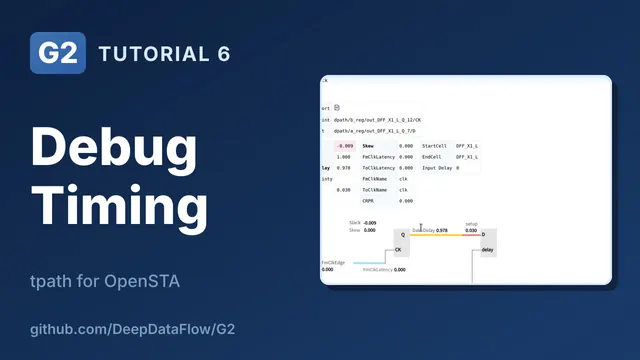
The scenario is setup at the slow corner, 0.81 V and 125 °C. The raw OpenSTA report is thousands of lines, the kind you would normally scroll and grep. tpath parses it and summarizes it. First comes the worst slack for each path group, so you see right away which kind of path is the problem: register-to-register misses by 9 ps, while input-to-register (+0.145 ns) and register-to-output (+0.247 ns) pass. Then every path, ranked by slack.
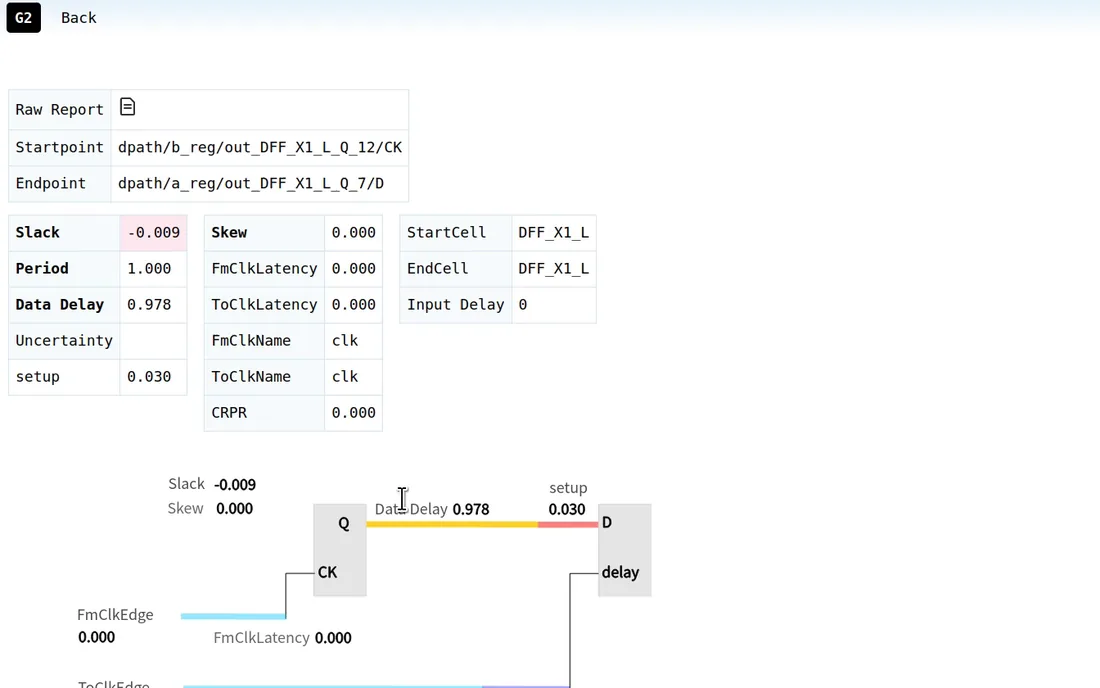
Open a path and tpath shows where it starts and ends, the launch and capture clocks and the slack. Then it splits the path into its pieces. The data logic takes 0.978 ns and the capture flop needs 30 ps of setup, just over the 1 ns period. Clock latency and skew are zero because this run uses an ideal clock, so the fix is in the logic, not the clock tree. The original report text for the path is one click away. tpath also reads PrimeTime, Tempus/Innovus, DC and Fusion Compiler timing reports.
Part 4: The AI assistant
#7An AI assistant for chip design flows
 3:09
3:09Watch on YouTube ↗Watch on Bilibili ↗
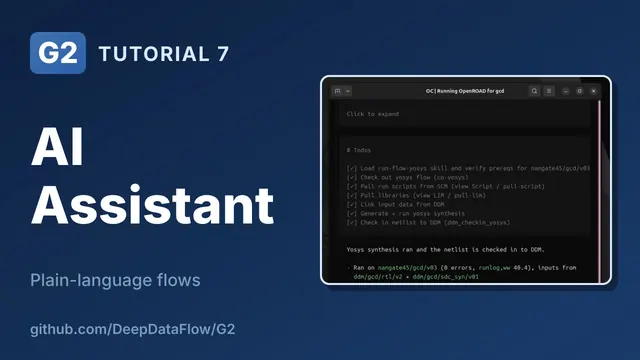
G2's AI assistant gets its knowledge from skills. Each skill is a step-by-step procedure for one G2 task: creating a project or a block, installing a library, or running Yosys, OpenROAD or OpenSTA. A skill is plain text that lists the same steps as episode 3: check out, pull the script, pull libraries, generate, run and check in. The assistant follows G2's real procedure instead of inventing its own.
The video uses opencode as the agent. Copy the agent instructions and skills into the workspace and start it:
cd $G2_SYS
cp $G2_ROOT/aiagent/AGENTS.md .
mkdir .opencode
cp -r $G2_ROOT/aiagent/skills .opencode/
opencode- Ask how to do something, such as "How do I run OpenROAD for gcd?", and it explains without running anything.
- Ask it to do something, such as "Create a new version v03 for gcd in nangate45", and the new version shows up in the browser.
- For something bigger, such as "Run yosys on gcd v03 and check the netlist into DDM", it makes a plan first, then works through each step with the same commands the UI buttons use. The result is an ordinary G2 run, with the same QoR cards and the same DDM check-in, which you can inspect or redo by hand.
- When something is missing, it doesn't guess. Asked to "Run yosys on spm", a block with no version yet, it stops and asks whether to create
v01first.
Where to go next
That's G2: a web UI for every flow, versioned design data and an assistant that knows the procedures.
- Download: G2 Community Edition on GitHub.
- Videos: the YouTube playlist and the Bilibili collection.
- A real design next: RISC-V RTL-to-Signoff takes a RISC-V core through the same flows on sky130, and RISC-V SoC: Block to Chip turns it into a whole chip.
- Questions about G2: support@deepdataflow.com. For licensing and partnerships: sales@deepdataflow.com.